Free WhatsApp Link Generator: Create Click-to-Chat Links Instantly (No Sign-Up Needed)
Meta Description: Looking for a free WhatsApp link generator? Create instant click-to-chat wa.me links with a pre-filled message — no app, no sign-up, no cost. Here's everything you need to know.
If you've ever tried to get a customer, client, or follower to message you on WhatsApp, you know the friction: they have to save your number, open the app, find the contact, and then type a message. That's four steps too many.
A free WhatsApp link generator removes all of that friction. One click, and the conversation starts — no number-saving required.
This guide explains everything: what a WhatsApp link is, how to create one for free, where to use it, and which tool makes the process the fastest.
What Is a WhatsApp Link Generator?
A WhatsApp link generator is a free online tool that creates a special URL — usually in the format https://wa.me/[yournumber] — that opens a WhatsApp chat directly when clicked.
Instead of asking people to find you on WhatsApp manually, you share a single link. Anyone who clicks it is taken straight to a chat window with you, with no friction and no contact-saving required.
These links are also called:
- wa.me links
- Click-to-chat links
- WhatsApp direct links
- WhatsApp chat links
Why Use a WhatsApp Link Generator?
Whether you're a freelancer, a small business owner, a marketer, or a content creator, a WhatsApp click-to-chat link can dramatically improve how people reach you. Here's why it matters:
For businesses: Customers can contact your support or sales team with one tap from your website, Google listing, or social bio — no barrier, no delay.
For marketers: Adding a WhatsApp link to ad campaigns, email signatures, and landing pages gives your audience an instant, personal way to respond.
For creators and freelancers: A WhatsApp link in your Instagram bio or LinkedIn profile makes it effortless for potential clients to reach out.
For everyone: You skip the awkward step of sharing your number publicly. The link does the work for you.
How a WhatsApp Link Works (The Technical Bit, Simplified)
WhatsApp supports two official link formats:
Basic link (opens a chat):
https://wa.me/[country code + phone number]
Example: https://wa.me/923001234567 for a Pakistani number.
Link with a pre-filled message:
https://wa.me/923001234567?text=Hi%2C%20I%27d%20like%20to%20know%20more%20about%20your%20services
The ?text= part adds a message that automatically appears in the chat box when someone opens the link — all they have to do is hit send.
A free WhatsApp link generator handles the URL encoding automatically, so you don't have to worry about replacing spaces with %20 or any of the technical formatting.
How to Create a Free WhatsApp Link (Step-by-Step)
Creating your WhatsApp click-to-chat link takes less than a minute:
Step 1 — Enter your phone number Type your full WhatsApp number including the country code. For example, if you're in Pakistan, your number would start with 92. Do not include the + sign or any spaces.
Step 2 — Add a pre-filled message (optional but recommended) Write a short message that will appear in the chat box when someone clicks your link. Something like: "Hi! I found you on Instagram and I'd love to learn more about your services." This removes the first-message barrier for your audience.
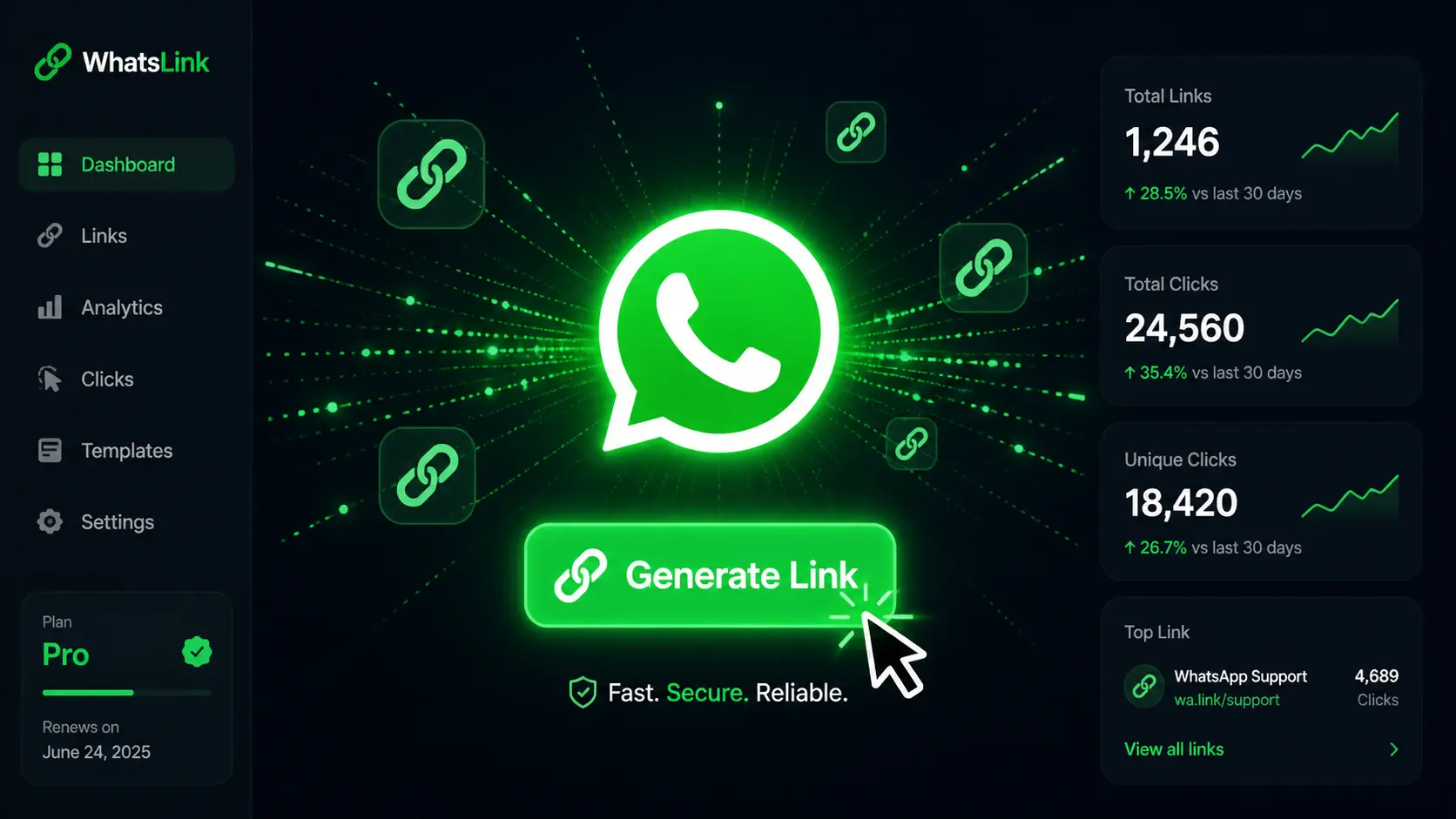
Step 3 — Generate your link Click the generate button. The tool instantly builds your wa.me link.
Step 4 — Copy and share Paste the link anywhere: your Instagram bio, website, email signature, Google Business profile, or WhatsApp Business catalog.
🔗 Try it now: Zlvox's free WhatsApp Link Generator — no account, no sign-up, completely free.
Where to Use Your WhatsApp Link
Once you have your link, here are the best places to put it to work:
Instagram & TikTok Bio
Social platforms only allow one link in your bio — make it count. Your WhatsApp link is one of the highest-converting options because it opens a direct conversation, not just a website.
Website Buttons & Floating Widgets
Add a "Chat on WhatsApp" button to your contact page, product pages, or as a floating icon in the corner of your site. Visitors can reach you without filling out a form or sending an email.
Email Signatures
Include your WhatsApp link below your name in every email. Clients who want to follow up can tap the link and start chatting instantly.
Google Business Profile
Add your WhatsApp link to your Google listing so local customers searching for your business can contact you in one tap.
Facebook & LinkedIn Posts
In posts where you're promoting a product, service, or offer, drop your WhatsApp link as the call-to-action instead of directing people to a generic website.
Paid Ad Campaigns
Use your WhatsApp link as the destination URL for Facebook Ads, Google Ads, or WhatsApp Click-to-Chat ads. The direct-to-conversation experience typically converts better than a landing page for service-based businesses.
Business Cards & Print Materials
Generate a QR code from your WhatsApp link and print it on your business card, packaging, flyers, or in-store signage. Customers scan and chat instantly.
Pre-Filled Message Ideas (Copy & Customize)
A good pre-filled message reduces the effort for your audience and gives you context about who's reaching out. Here are a few templates by use case:
General inquiry:
Hi! I came across your profile and I'm interested in learning more. Can you help me?
E-commerce / product enquiry:
Hi! I saw your product and I'd like to place an order. Is it available?
Service business:
Hello! I'd like to book an appointment / get a quote. Are you available?
Support:
Hi, I'm a customer and I need help with my order. Can someone assist me?
Lead generation from ads:
Hi! I just saw your ad and I'm interested. Tell me more!
The key is to keep it short, friendly, and specific enough that your team immediately knows what the person wants.
What Makes a Good Free WhatsApp Link Generator?
Not all tools are equal. Here's what to look for:
- No sign-up required — You shouldn't have to create an account just to generate a link.
- Supports pre-filled messages — A link with no message misses the biggest opportunity.
- Instant results — It should generate your link the moment you hit the button.
- Clean, simple interface — No confusing options or upsells.
- QR code support — Bonus if it also generates a QR code you can download for offline use.
Zlvox's WhatsApp Link Generator checks all of these boxes. It's part of Zlvox's suite of free online tools — the same platform that powers one of the web's most popular Reddit search and social listening tools. No login, no fee, no friction.
WhatsApp Link vs. WhatsApp QR Code: What's the Difference?
Both do the same thing — open a chat with you — but they're suited for different contexts.
WhatsApp Link WhatsApp QR Code Best for Digital channels (social media, email, websites) Physical materials (flyers, business cards, store displays) How it works Click the link Scan with a phone camera Shareable via text/DM? ✅ Yes ❌ Not easily Works offline? ❌ No ✅ Yes For most digital use cases, you'll use the link. If you have a physical location or print materials, generate both — most free tools including Zlvox let you download a QR code alongside your link.
Common Mistakes to Avoid
Forgetting the country code This is the #1 reason WhatsApp links don't work. Your number must include the full country code (e.g., 92 for Pakistan, 1 for the US, 44 for the UK) without the + sign.
Using spaces or special characters in the number Your number should be digits only — no dashes, brackets, or spaces. Example: 923001234567, not +92-300-123-4567.
Skipping the pre-filled message A blank chat is a missed opportunity. Always give your audience something to send.
Using the wrong format Both wa.me and api.whatsapp.com/send formats work, but wa.me is shorter, cleaner, and more universally recognized.
Frequently Asked Questions
Is it free to generate a WhatsApp link? Yes. Creating a wa.me link is completely free. Tools like Zlvox's WhatsApp Link Generator generate your link at no cost and require no account.
Do I need WhatsApp Business to use a link generator? No. WhatsApp click-to-chat links work with both personal WhatsApp and WhatsApp Business accounts.
Can I track how many people clicked my WhatsApp link? Standard wa.me links don't have built-in analytics. To track clicks, use a URL shortener with analytics (like Bitly) or add UTM parameters before shortening.
Does a WhatsApp link work on desktop? Yes. Clicking a WhatsApp link on a desktop opens WhatsApp Web in the browser if the user is logged in.
Can I add my WhatsApp link to Instagram? Absolutely. Go to Edit Profile → Website and paste your link there. Followers can then tap it to start a chat with you directly.
Final Thoughts
A free WhatsApp link generator is one of the simplest tools you can use to make yourself more reachable. Whether you're running a business, growing a brand, or just want an easier way for people to contact you — a click-to-chat link removes every barrier between you and your audience.
The whole process takes under a minute. Enter your number, add a message, generate your link, and start sharing.
👉 Generate your free WhatsApp link on Zlvox →
No sign-up. No cost. Just your link, ready to share.