You just got back from a trip. Hundreds of photos on your iPhone. You try to upload one to a website, send it to a colleague, or open it on your Windows PC — and nothing works. The file ends in .heic and the world has no idea what to do with it. Sound familiar? You are not alone. This happens to millions of iPhone users every single day. And today, we are fixing it for good.
The HEIC Problem Nobody Warned You About
Apple quietly switched every iPhone to shoot in HEIC format back in 2017. The reason was genuinely good — HEIC photos are about 50% smaller than JPG at the same visual quality, which saves precious storage on your device. But there was a massive catch nobody talked about: almost nothing outside of Apple devices can actually open a HEIC file.
Here is what HEIC breaks in real life:
- Uploading photos to job applications, government portals, or university forms
- Sending photos to friends or clients on Android or Windows
- Posting to platforms that reject anything other than JPG or PNG
- Editing in tools like older Photoshop versions or free editors
- Printing at any standard photo lab or kiosk
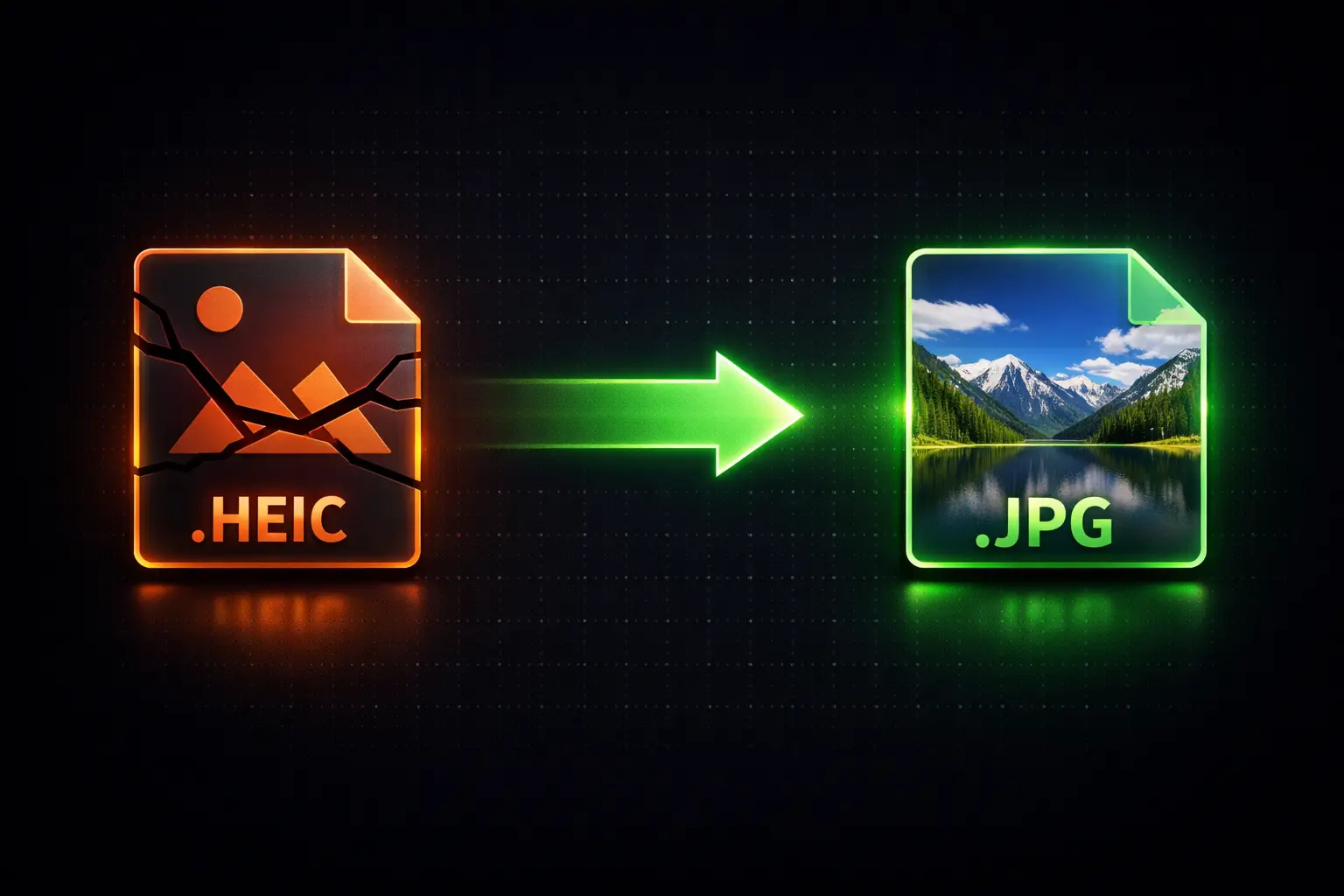
The fix has always been to convert HEIC to JPG. The problem was that every tool available either charged money, forced you to sign up, or uploaded your personal photos to some random server. Until now.
We Built Something Better
Zlvox’s HEIC Converter was built around one non-negotiable rule: your photos stay on your device, period. No servers. No accounts. No sneaky data collection. The entire conversion happens inside your browser using WebAssembly — the same technology that powers professional desktop software, now running silently in a browser tab.
Disconnect your internet after the page loads. The tool still works. That is how local this is.
What You Can Do With It
Convert HEIC to JPG
The classic fix. JPG works everywhere — every website, every device, every platform on earth. Drop your HEIC files in, hit convert, and get universally compatible photos back in seconds.
Convert HEIC to PNG
Need lossless quality for design work, screenshots, or transparent backgrounds? PNG output gives you pixel-perfect quality with no compression artifacts whatsoever.
Convert HEIC to WebP
Building a website or optimising images for speed? WebP is the modern web format — roughly 30% smaller than JPG with comparable quality. Perfect for developers and bloggers.
Convert HEIC to PDF
Need to submit a photo as a document? Each HEIC file becomes a clean A4 PDF page. Great for visa applications, insurance claims, and official submissions that require document format.
Batch Convert an Entire Camera Roll
Nobody wants to convert photos one by one. Drop your entire selection into the tool — ten files, fifty files, a hundred files — and convert them all at once. When everything is done, download a single ZIP archive containing every converted file neatly packaged and ready to go. What used to take an hour now takes under two minutes.
The Privacy Feature Most Converters Skip
Every photo your iPhone takes contains hidden EXIF data: the exact GPS coordinates of where the photo was taken, the date and time down to the second, your device model, and more. When you share a photo without stripping this data, you are sharing far more than the image itself.
The Zlvox HEIC Converter includes a one-click Strip GPS & EXIF option that scrubs all of this metadata before you download. Share your photos freely without accidentally sharing your location history.
Quality Control That Actually Makes Sense
Not all conversions need to be the same quality. Our quality presets give you real control without needing to understand compression algorithms:
- Web (75%) — Smallest file size, visually identical at normal screen sizes. Ideal for social media, WhatsApp, and email
- Balanced (90%) — The sweet spot. Excellent quality at roughly half the file size of maximum. Best for most everyday use
- Max (100%) — Full lossless quality. Use this for archiving, printing, or delivering to clients who need the original resolution
After every conversion the tool shows you the exact before and after file sizes, so you can see precisely how much space you saved.
Works on Every Device
Because everything runs in the browser, the Zlvox HEIC Converter works on any device with a modern browser:
- Windows 10 and Windows 11 — No codec packs or extensions needed
- Mac — Faster than Preview for batch jobs
- iPhone and iPad — Convert directly from your Camera Roll in Safari
- Android and Samsung devices — Open in Chrome and go
- Chromebook — Works perfectly in Chrome OS
How to Convert in 4 Steps
- Go to zlvox.com/tools/heic-converter
- Drop your HEIC files into the upload zone or tap to browse
- Pick your output format and quality setting
- Hit Convert and download — done
No progress bars that lie to you. No “please wait while we process your file on our servers.” Just instant, local conversion that finishes before you can check your phone.
Stop Letting HEIC Slow You Down
HEIC is a technically brilliant format that Apple unfortunately deployed into a world that was not ready for it. Until universal compatibility catches up — and it is getting there, slowly — having a fast, private, free converter in your bookmarks is simply a smart move for any iPhone user.
No signups. No fees. No compromises on privacy. Just your photos, converted, ready to go wherever you need them.