Free Steganography Tools 2026: How to Hide Messages in Images Without Anyone Knowing
Ever sent a photo and wondered if someone could secretly read your private messages hidden inside it? In 2026, simple encryption is no longer enough. Big tech companies scan images, metadata reveals more than you think, and even "disappearing messages" can be recovered. This is exactly where steganography becomes incredibly useful.
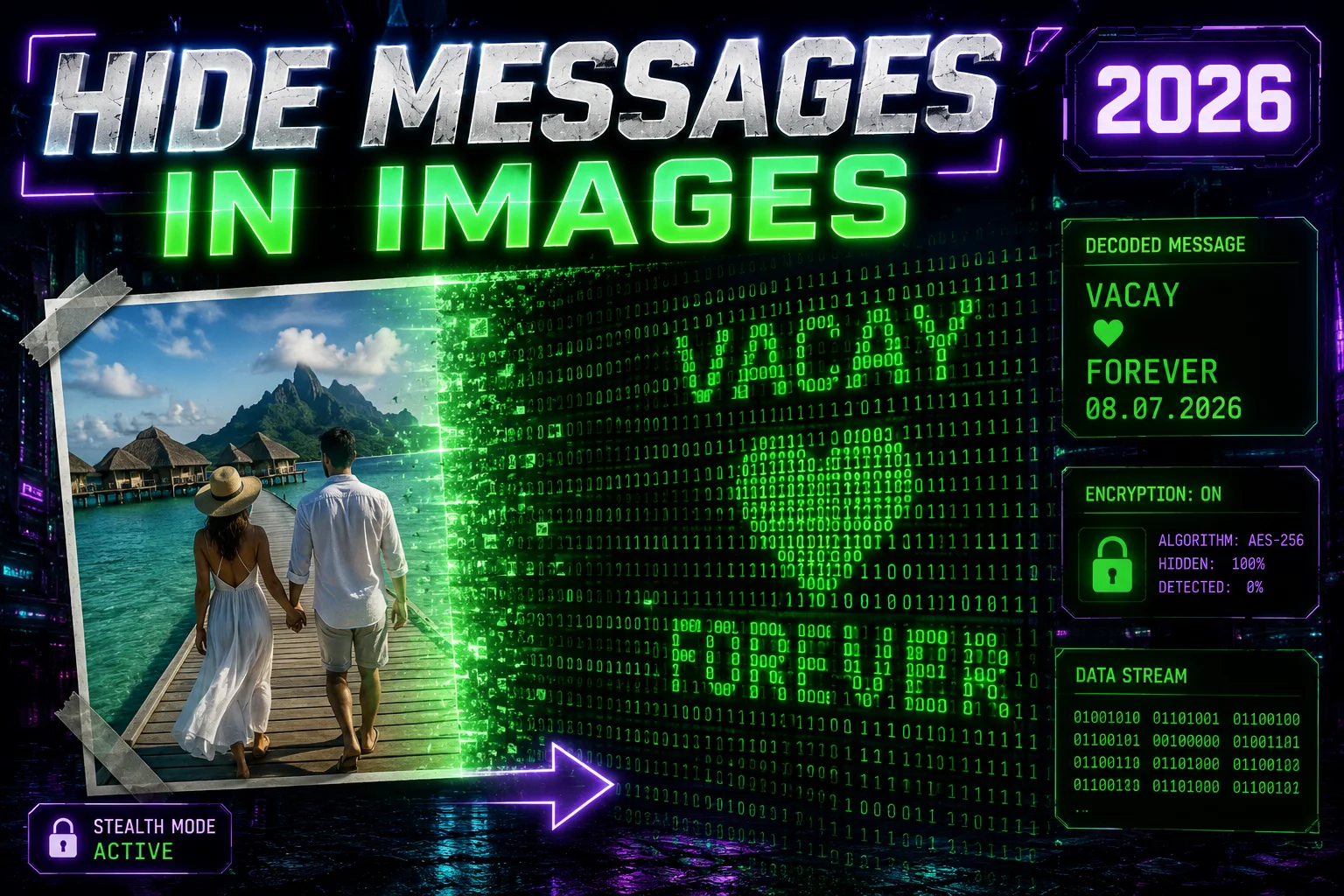
Steganography lets you hide secret messages inside normal-looking images so that no one even suspects anything is hidden. The image looks completely unchanged to the naked eye. Today, I’m sharing a complete guide on the best free steganography tools and a step-by-step tutorial on how to use Zlvox’s powerful tool.
What Is Steganography and Why Is It Important in 2026?
Steganography (often called stego) is the practice of hiding information inside other files — mostly images, but it can also work with audio and video. Unlike regular encryption that makes data look scrambled, steganography keeps the file looking perfectly normal.
Why everyone is talking about it now:
- Privacy concerns are rising rapidly
- Apps and governments scan photos for metadata
- Journalists, developers, whistleblowers, and regular users need safe ways to share sensitive information
- It’s a powerful layer of security that most people don’t even know about
Think of it as digital invisible ink. Your boss, partner, or even advanced detection software won’t know there’s a message inside unless they have the correct key.
Best Free Steganography Tools in 2026
Many online tools force you to upload files to their servers, which defeats the purpose of privacy. Here’s a quick comparison of the top options:
- Zlvox Steganography Tool – Best overall choice
- Basic LSB tools – Simple but less secure
- Desktop software like Steghide – Powerful but needs installation
- Other web tools – Often add watermarks or store your data
Zlvox stands out because it works 100% in your browser. Nothing is uploaded to any server.
How to Hide Messages in Images Using Zlvox Steganography Tool
Here is the easiest and most secure way to hide your messages:
- Go to the official tool here: https://zlvox.com/tools/steganography
- Upload any high-quality image (PNG format recommended for best results)
- Type the secret message you want to hide
- Set a strong password for extra protection (highly recommended)
- Click on “Hide Message” – it uses military-grade XOR-256 encryption
- Download the new image that looks exactly like the original
Pro Tips for Better Results:
- Use busy images (nature, cityscapes, group photos) because they hide data more effectively
- Avoid plain or single-color backgrounds
- Keep your message under 500-800 characters for best quality
- Always test by sending the image to yourself first
To read the hidden message, simply go back to Zlvox Steganography Tool, upload the encoded image, enter your password, and extract the message instantly.
Advanced Steganography Tips for Maximum Privacy
Want to take it to the next level? Here are pro techniques:
- Strip EXIF metadata from your image before hiding the message
- Combine steganography with strong encryption (XOR-256 + password)
- Use multiple layers of hiding for extra sensitive data
- Batch hide messages in several images at once
- Regularly change passwords and avoid obvious patterns
Common Myth: Many people think steganography is only for spies or hackers. In reality, it’s becoming a must-have skill for any tech-savvy person between 25-45 years old who values privacy.
Frequently Asked Questions
Is it really undetectable?
Yes, to the human eye and most basic scanners the image looks completely normal.
Can I hide large files?
You can hide text, links, small documents, and even short codes. For very large files, compression helps.
Is Zlvox tool safe?
Completely. It works client-side, meaning your images and messages never leave your device.
Which image format is best?
PNG gives the best hiding capacity while keeping quality high.
Conclusion
Steganography is no longer a niche technique — it’s a practical privacy tool everyone should know in 2026. With free and powerful tools like Zlvox Steganography, you can securely hide your messages in plain sight without relying on risky third-party apps.
Try it right now. Go to https://zlvox.com/tools/steganography, pick any photo, hide a test message, and see how amazingly simple it is.
What will you hide first? A personal note, business secret, password list, or just a funny message? Drop your thoughts in the comments below. If you found this guide helpful, share it with your friends who care about online privacy.
Stay safe, stay hidden, and keep exploring better privacy tools at Zlvox.com.
🚀 Ready to become invisible? Start hiding your messages today.