The Best Free Online QR Code Generator in 2026 – Custom Logo, Branded QR Codes, Instant Download, No Signup, No Watermark
Let's be honest. Most free QR code tools online are garbage.
You visit the site, design your QR code, and then — surprise — they slap a giant watermark on it. Or they lock the "download in high resolution" feature behind a $9/month subscription. Or they make you create an account just to download a file that's literally just a PNG.
It's frustrating. And in 2026, it really doesn't have to be this way.
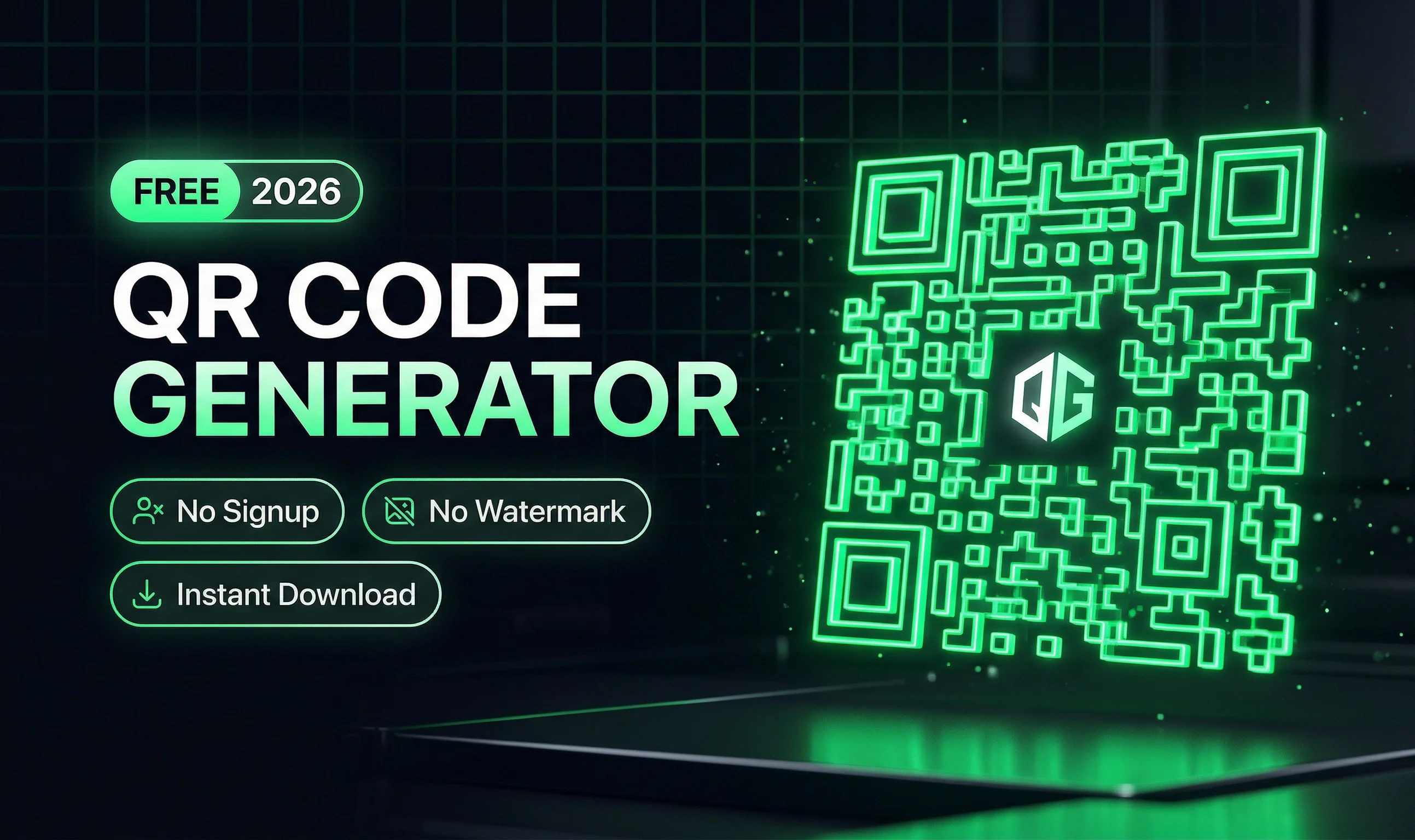
That's why in this guide, we're going to show you the best free online QR code generator in 2026 that lets you create custom, branded, logo QR codes — with instant download, high resolution output, zero signup, zero watermark, and absolutely zero cost.
Whether you're a small business owner, a freelancer, a marketer, or just someone who needs a QR code fast, this article is for you.
What Is a QR Code and Why Do You Still Need One in 2026?
QR codes — short for "Quick Response" codes — are those black-and-white square patterns you scan with your phone camera. They were invented back in 1994 by a Japanese company, but in 2026, they are more popular than ever.
Here's why QR codes are still incredibly useful:
- Contactless menus in restaurants and cafes
- Business cards that link directly to your portfolio or LinkedIn
- Product packaging that links to instructions or warranty registration
- Social media promotion — scan and follow instantly
- Event tickets and registrations
- WhatsApp contact links for businesses
- Payment links for local shops and freelancers
- Wi-Fi sharing so guests can connect without typing a password
Basically, if you want someone to take an action on their phone without typing a long URL, you need a QR code.
What Makes a QR Code Generator Actually Good?
Before we jump into the best tool, let's quickly cover what separates a great QR code generator from a bad one. Because not all tools are created equal.
A genuinely good QR code generator in 2026 should offer:
- No signup required — you should be able to generate and download without creating an account
- No watermark — the final image should be clean and professional
- High-resolution download — especially for print use (business cards, banners, packaging)
- Custom logo support — embed your brand logo in the center of the QR code
- Color customization — change foreground and background colors to match your brand
- Multiple content types — URLs, plain text, Wi-Fi, vCards, email, phone numbers, etc.
- Client-side processing — your data never leaves your browser (privacy matters)
- Fast performance — instant generation, no loading spinners
Most free tools fail on at least two or three of these. But one tool checks every single box.
The Best Free QR Code Generator in 2026: Zlvox QR Generator
The tool we recommend is the Zlvox QR Code Generator, available completely free at zlvox.com/tools/qr-generator.
It's one of the cleanest, fastest, and most privacy-respecting QR code tools we've tested in 2026. Here's what you get:
- Generate QR codes for URLs, text, email, phone, Wi-Fi, vCards, and more
- Upload your own logo to embed right in the center of the QR code
- Customize colors — foreground, background, or both — to match your brand identity
- Download in high resolution, perfect for print
- Completely free, no signup, no watermark
- Everything runs in your browser — no data is uploaded to any server
That last point is important. When you enter a URL or personal info into a QR code tool, you want to know it's not being stored somewhere. Zlvox is client-side first, which means your data stays with you.
How to Create a Custom Logo QR Code in 2026 — Step by Step
Let's walk through exactly how to create a branded QR code with a logo using Zlvox. It takes less than 60 seconds.
Step 1: Go to the QR Generator
Open zlvox.com/tools/qr-generator in your browser. No account needed. No popup asking you to subscribe to a newsletter. Just the tool, ready to go.
Step 2: Choose Your QR Code Type
Select what type of content your QR code should contain. The Zlvox QR Generator supports all major content types:
- URL — link to any website or landing page
- Plain text — display a message when scanned
- Email — opens a pre-filled email compose window
- Phone number — triggers a call directly
- SMS — opens a pre-filled text message
- Wi-Fi — allows instant Wi-Fi connection without typing passwords
- vCard — shares your contact info as a digital business card
For most businesses and marketers, URL is the most common choice. Enter your link in the input field.
Step 3: Customize the Colors
This is where your QR code goes from generic to branded. Pick a foreground color (the dark squares) and a background color (the light area). Stick to your brand colors for consistency.
Pro tip: Make sure there's enough contrast between the foreground and background colors. Dark on light or light on dark — don't go dark on dark or you'll end up with a QR code that won't scan. Red on white or dark blue on white both work great.
Step 4: Add Your Logo
This is what separates a professional QR code from a plain one. Click the logo upload option and upload your brand logo (PNG with transparent background works best). The tool will embed it right in the center of the QR code.
QR codes are designed with built-in error correction, so even with a logo in the middle, scanners can still read them accurately. Up to about 30% of the QR code can be "covered" and it still scans perfectly.
Step 5: Download in High Resolution
When your QR code looks exactly how you want it, hit download. You'll get a high-resolution image — perfect for business cards, flyers, product labels, banners, or digital use. No watermark. No compression. Clean file, ready to use.
Common Use Cases — Real Examples
For Restaurant and Cafe Owners
Put your menu URL into a QR code with your restaurant's logo in the center and your brand colors. Print it on a small table card or laminated sheet. Customers scan it and get your menu instantly — no app download, no paper menus to print every time your prices change.
For Freelancers and Professionals
Add a QR code to your physical business card that links to your portfolio website or LinkedIn profile. When someone scans it, they land directly on your work. A branded QR code with your initials or logo in the center looks sharp and professional.
For Small Businesses and Shops
Create a QR code linked to your WhatsApp business number, your Google Maps listing, or your online store. Put it on your storefront window, shopping bags, or receipts. Customers can find and contact you instantly.
For Event Organizers
Generate QR codes for event registration pages, schedules, or digital tickets. Branded QR codes with your event logo make everything look cohesive and professional.
For Teachers and Educators
Create QR codes that link to assignment submission forms, class resources, or video tutorials. Print them on worksheets so students can access materials with one quick scan.
Free vs Paid QR Code Generators — Is Free Actually Enough?
This is a fair question. Paid QR code platforms like QR Code Generator Pro or Beaconstac offer features like analytics (how many times was your QR code scanned?), dynamic QR codes (change the destination URL without reprinting), and bulk generation.
But here's the truth for most people: those features are overkill.
If you need a clean, branded, high-quality QR code that links to a URL and looks great — a free tool like Zlvox gives you everything you need without any cost or compromise.
Static QR codes (the kind that have a fixed destination) work perfectly for 90% of use cases. They never expire. They always scan. And with Zlvox, they look professional too.
The only time you genuinely need a paid tool is if you want to change the destination URL later without reprinting the QR code, or if you need detailed scan analytics. For those specific needs, a paid dynamic QR code platform makes sense. But for everyone else? Free wins.
Tips for Making Your QR Code More Effective
Generating the QR code is only half the job. Here are some tips to make sure people actually scan it:
Make it big enough
For print materials, your QR code should be at least 2 x 2 cm (roughly 0.8 x 0.8 inches). Anything smaller and phone cameras struggle to focus. For large format prints like posters or banners, go bigger.
Always add a call to action
Don't just put a QR code on its own. Add a short line of text next to or below it — "Scan to see our menu", "Scan to visit our store", "Scan to connect on WhatsApp". People are more likely to scan when they know what they'll get.
Test it before printing
This sounds obvious but is very often skipped. Before you print 500 business cards or 100 flyers, scan your QR code with multiple phones and apps to make sure it works correctly. Test on iPhone and Android. Test in different lighting conditions.
Keep the destination page mobile-friendly
People scanning QR codes are on their phones. If your landing page is slow or not mobile-optimized, you've lost them in 3 seconds. Make sure wherever the QR code leads is fast, clean, and easy to use on a small screen.
Place it where it's easy to scan
Don't put a QR code at the bottom of a billboard 5 meters high. Don't put it on a fast-moving bus. Think about where someone would realistically be standing when they scan it, and whether they can comfortably hold their phone camera steady for 2 seconds.
Frequently Asked Questions About QR Code Generators in 2026
Are free QR codes permanent?
Yes — static QR codes generated by free tools like Zlvox are permanent. They never expire because the destination URL is encoded directly into the QR code itself. As long as the URL you linked to is live, your QR code works forever.
Can I put a logo in the middle of a QR code without breaking it?
Yes, absolutely. QR codes use something called error correction, which allows up to 30% of the code to be obscured or damaged and still scan correctly. This is exactly what makes logo QR codes possible. The logo sits in the center, and the surrounding pattern still carries enough information for a scanner to read it.
Do I need an account to use Zlvox QR Generator?
No. You open the page, generate your QR code, and download it. That's it. No email, no password, no verification, no subscription prompt.
Can I use these QR codes for commercial purposes?
Yes. QR codes generated using Zlvox are yours to use however you like — personal or commercial. Business cards, packaging, marketing materials, all of it.
What file format does Zlvox download in?
High-resolution PNG, which is the ideal format for both digital use and print. PNG preserves sharp edges and supports transparent backgrounds, making it the go-to choice for QR codes.
What's the difference between a static and dynamic QR code?
A static QR code has the destination permanently encoded in it. Change the URL and you need a new QR code. A dynamic QR code points to a redirect link — you can change the final destination without changing the code itself. Dynamic codes require a paid subscription. For most use cases, static is perfectly fine.
Why Zlvox Is Our Top Pick for QR Code Generation in 2026
We've tested dozens of QR code tools. Some are clunky. Some are full of ads. Some pretend to be free and then surprise you with a paywall at the worst possible moment.
Zlvox is different. It was built by developers who were frustrated with the same things you're frustrated with. The philosophy is simple: give people a genuinely useful tool, make it fast, keep the data private, and never charge for the basics.
The QR Generator is just one of 25+ free tools available on Zlvox — all no signup, all no watermark, all client-side where possible. It's a platform built for people who value their time and their privacy.
If you need a QR code right now — with your logo, in your brand colors, in high resolution — go to zlvox.com/tools/qr-generator and have it done in under a minute.
Final Thoughts
QR codes are not going anywhere. If anything, they've become a standard part of how businesses and individuals connect with their audience in 2026. And creating one — a professional, branded, logo QR code — should not cost you anything or require you to hand over your email address.
With Zlvox, it doesn't have to.
Generate. Customize. Download. Done.
No signup. No watermark. No nonsense.