Google Chrome's Quantum Updates: What Web Developers Need to Know About X25519Kyber768
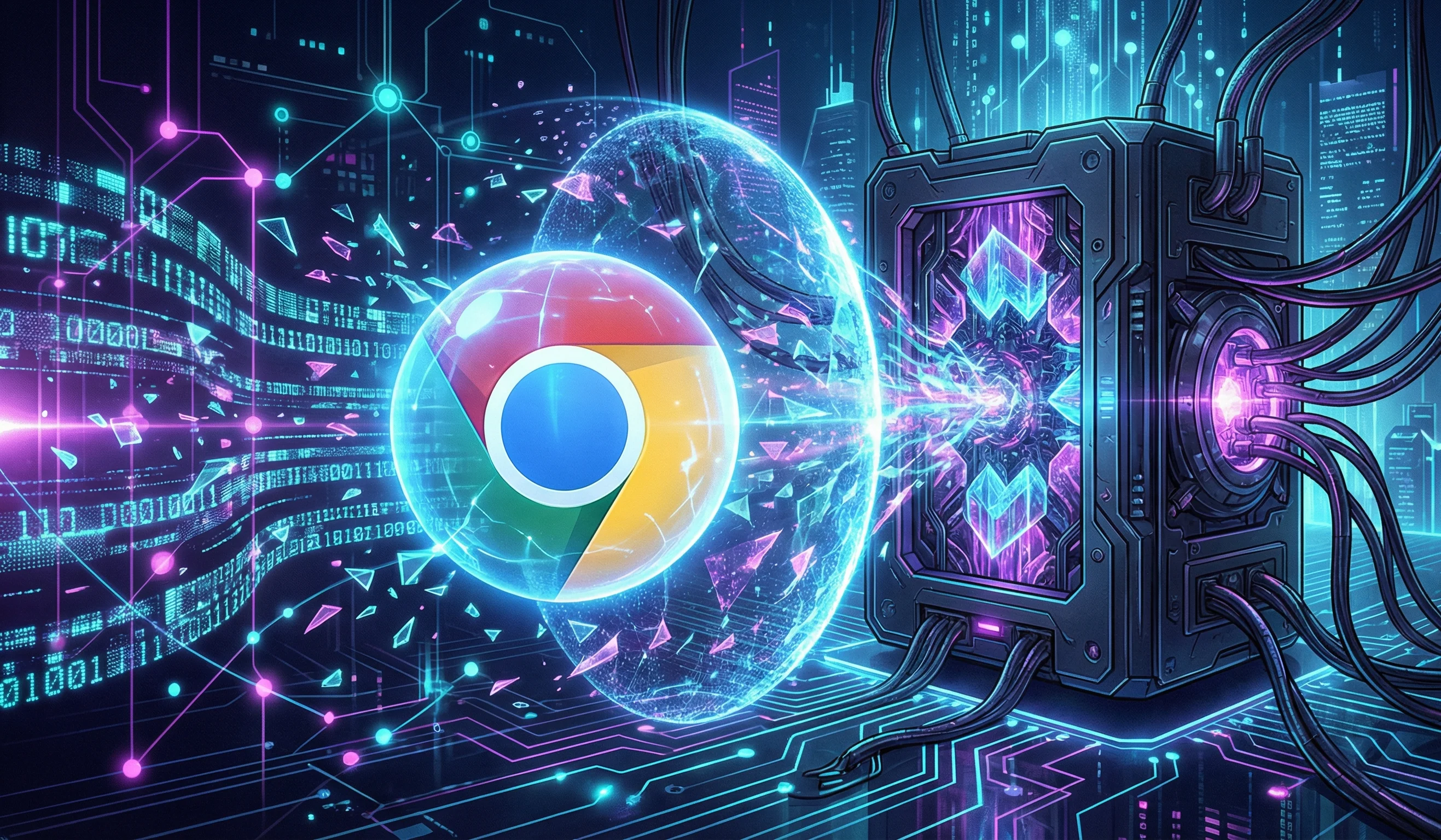
The internet is quietly undergoing its most critical security upgrade in decades. While fully functional, mainstream quantum computers aren't sitting on our desks just yet, the threat of "harvest now, decrypt later" attacks has forced the tech industry to act. In response, Google Chrome has officially rolled out Post-Quantum Cryptography (PQC), specifically a hybrid mechanism known as X25519Kyber768.
If you are a web developer, system administrator, or DevOps engineer, ignoring this update could lead to unexpected connection drops and degraded server performance. Here is a comprehensive, no-fluff guide to what Chrome’s quantum update means for your tech stack.
The Looming Quantum Threat to HTTPS
Every secure website today relies on traditional public-key cryptography, such as RSA or Elliptic Curve Cryptography (ECC). These algorithms protect data by using complex mathematical problems—like integer factorization—that take classical computers thousands of years to crack.
However, a sufficiently powerful quantum computer running Shor's algorithm could solve these exact math problems in mere hours. This means all current TLS/HTTPS web traffic intercepted and stored by malicious actors today could become completely readable tomorrow. The encryption protecting passwords, banking details, and API keys would become obsolete.
Enter ML-KEM (Kyber): Chrome's New Defense Mechanism
To future-proof the web, the National Institute of Standards and Technology (NIST) standardized a quantum-resistant cryptographic algorithm originally called Kyber (now officially known as ML-KEM). Instead of ripping out our current security infrastructure, Google Chrome uses a hybrid approach:
- X25519: The battle-tested, highly secure elliptic curve algorithm currently used for standard web encryption.
- Kyber768 (ML-KEM): The new, quantum-resistant algorithm running simultaneously.
By wrapping both algorithms together, Chrome ensures that even if a flaw is found in the new Kyber standard in the future, the connection remains fully protected by the proven X25519 standard. It acts as an unbreakable, dual-layered shield for TLS 1.3 handshakes.
How Does This Impact Full-Stack Web Development?
For most front-end developers pushing UI updates, this shift will happen entirely behind the scenes. You will not need to rewrite your application logic or restructure your databases. However, for full-stack developers and network engineers managing server infrastructure, there are three major friction points to address.
1. The Bloated TLS Handshake (ClientHello Size Increase)
Because the hybrid X25519Kyber768 key encapsulates two entirely separate cryptographic keys, the size of the initial TLS ClientHello message increases drastically. It adds over a kilobyte of extra data to the handshake. While 1KB sounds trivial, it forces the data packet to cross standard network fragmentation boundaries.
2. Broken Firewalls and Middlebox Compatibility
This is where the real developer headache begins. If your web applications sit behind tightly configured Web Application Firewalls (WAF), legacy load balancers, or strict reverse proxies (like specific enterprise Nginx or HAProxy configurations), these larger, fragmented TLS handshakes can cause catastrophic failures. Many older firewalls misinterpret these unusually large ClientHello messages as DDoS attacks or anomalies and instantly drop the connection.
3. Microscopic Latency Bumps
If you develop network-monitoring tools, high-frequency trading bots, or hyper-optimized microservices, you may notice a fractional increase in the initial handshake latency. While the ongoing connection speed remains identical, the heavier initial key exchange requires slightly more processing power.
How to Test Your Server's PQC Readiness
You do not need to wait for user complaints to find out if your infrastructure is dropping quantum-resistant connections. You can test it locally right now:
- Open Google Chrome and navigate to the address bar.
- Type
chrome://flagsand hit enter. - Search for the flag: TLS 1.3 hybridized Kyber support.
- Set it to "Enabled" and relaunch your browser.
- Open your web application and monitor the Network tab in Chrome DevTools to ensure the TLS handshake completes with a 200 OK status without stalling.
Frequently Asked Questions (FAQ)
Do I need to buy a new SSL/TLS certificate for Kyber?
No. The integration of X25519Kyber768 happens at the TLS protocol layer between the browser and the server. Your existing RSA or ECDSA certificates used for authentication will continue to work perfectly fine.
Is this update only for Google Chrome?
While Chrome was the first major browser to push this aggressively, other Chromium-based browsers (like Microsoft Edge and Brave) are adopting it. Cloudflare and AWS have also begun rolling out server-side support for these hybrid connections.
How do I fix connection drops on my Nginx server?
Ensure that your Nginx server, OpenSSL library, and any intermediary firewalls are updated to their latest stable versions. Most modern network stacks have already been patched to handle large, fragmented ClientHello packets without dropping them.