Canva AI 2.0 Is Insane 🤯 Here’s How to Use It for Free
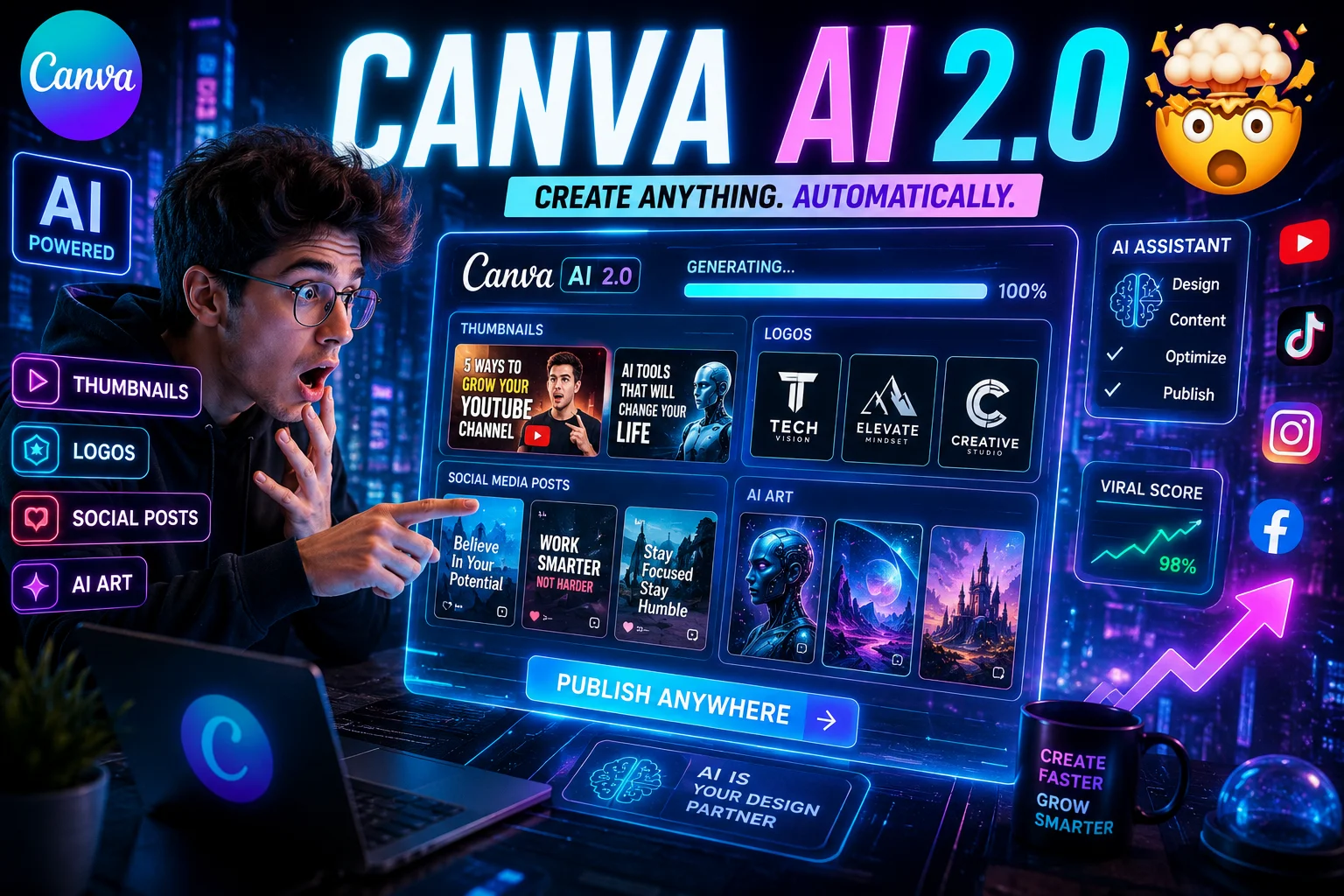
Artificial Intelligence is changing content creation faster than ever, and Canva AI 2.0 is one of the biggest upgrades creators have seen recently. What used to be a simple drag-and-drop design platform has now transformed into a powerful AI design assistant capable of generating graphics, presentations, social media posts, blog content, thumbnails, videos, and even complete branding ideas within seconds.
If you are searching for the best free AI design tools, trying to improve your workflow, or looking for a faster way to create professional content, Canva AI 2.0 might completely change how you work online.
What Is Canva AI 2.0?
Canva AI 2.0 is Canva’s latest AI-powered creative system that helps users automate designing, writing, editing, and content generation. Instead of spending hours creating graphics manually, users can now generate complete designs with a single text prompt.
The platform combines multiple AI tools into one workspace, making it useful for:
- Content creators
- Freelancers
- Students
- Bloggers
- YouTubers
- Social media managers
- Small business owners
- Digital marketers
Because of its simplicity and speed, Canva AI is quickly becoming one of the most popular free AI tools for creators.
Best Canva AI 2.0 Features
1. Magic Design AI
The Magic Design feature allows users to generate complete layouts instantly. Simply type what you want, and Canva creates professional templates automatically.
Example prompts:
- Modern YouTube thumbnail for AI tools
- Minimal Pinterest pin design
- Instagram post for clothing brand
- Futuristic tech presentation
This feature is extremely useful for creators who want fast results without advanced graphic design skills.
2. AI Image Generator
The new Canva AI Image Generator lets users create high-quality visuals using simple text prompts. This feature is becoming popular among Pinterest creators, bloggers, and faceless content pages.
You can create:
- Anime wallpapers
- Cyberpunk art
- Product mockups
- Social media graphics
- Digital illustrations
- AI thumbnails
For users searching for a free AI image generator, Canva now offers one of the easiest solutions available online.
3. Magic Write AI
Magic Write helps users generate:
- Blog post ideas
- SEO content
- YouTube titles
- Instagram captions
- Marketing copy
- Scripts
- Product descriptions
This tool is especially useful for beginners who struggle with writer’s block or content planning.
4. AI Presentation Generator
Students and professionals can now generate complete presentations within minutes. Simply enter a topic, and Canva automatically creates slides, headings, text structure, and visuals.
Example:
“Future of Artificial Intelligence in Digital Marketing”
This feature saves a huge amount of time compared to traditional presentation design.
5. Background Remover
The AI background remover instantly removes backgrounds from images with one click. This tool is perfect for ecommerce businesses, YouTube thumbnails, product photos, and branding projects.
6. Magic Resize
One design can automatically be converted into multiple formats like:
- Instagram post
- Pinterest pin
- YouTube thumbnail
- LinkedIn banner
- Facebook cover
This feature is incredibly useful for social media creators managing multiple platforms.
What Are Agentic AI Features?
One reason why Canva AI 2.0 is trending is because of its new Agentic AI features.
Traditional AI tools usually wait for commands. Agentic AI tries to understand goals and assist with complete workflows.
For example, instead of only creating a single graphic, Canva AI can help generate:
- Full branding concepts
- Social media campaigns
- Marketing visuals
- Content ideas
- Presentation designs
- Creative suggestions
This makes Canva feel more like an AI assistant instead of a normal design tool.
How To Use Canva AI 2.0 For Free
Step 1: Create a Free Canva Account
Visit Canva and sign up using your Google account, email address, or Facebook account.
The free version already includes several powerful AI features.
Step 2: Open Magic Studio
Inside Canva, search for:
- Magic Design
- Magic Write
- AI Image Generator
- AI Presentation Tools
Most AI tools are located inside Canva’s Magic Studio workspace.
Step 3: Use Better AI Prompts
Prompt quality directly affects output quality.
Good prompt example:
“Create a cinematic cyberpunk YouTube thumbnail with neon lighting.”
Weak prompt example:
“Make something cool.”
The more specific your prompt is, the better results you will get.
Step 4: Customize Your Design
AI helps generate the first draft, but customization is what makes content unique.
Edit:
- Fonts
- Colors
- Spacing
- Branding
- Images
- Layouts
This is how creators make AI-generated content look professional instead of generic.
Why Canva AI 2.0 Is Going Viral
There are several reasons why Canva AI is becoming one of the top trending AI tools in 2026:
- Fast content creation
- Beginner-friendly interface
- Free AI features
- Professional templates
- AI automation tools
- Time-saving workflows
- Easy social media content generation
Creators no longer need advanced Photoshop or Illustrator skills to create impressive designs.
Can Canva AI Replace Graphic Designers?
Not completely.
While Canva AI can speed up workflows and automate repetitive tasks, creativity, branding, storytelling, and originality still matter.
Designers who combine AI tools with human creativity will likely perform even better in the future.
Final Thoughts
Canva AI 2.0 is easily one of the most exciting AI content creation tools available right now. Whether you are a freelancer, blogger, YouTuber, marketer, or student, these features can help save hours of work while improving content quality.
For anyone searching for:
- Best free AI tools
- AI graphic design software
- Free Canva AI tools
- AI content creation platforms
- AI social media design tools
Canva AI 2.0 is definitely worth trying.
The future of design is becoming faster, smarter, and more AI-powered — and Canva is leading that transformation.