I Stopped Paying for 6 SaaS Tools — And Found These Free Replacements (No Sign-Up Needed)
Picture this: You open your bank app on a Monday morning. You see a list of subscriptions charging you every single month. Grammarly. Canva Pro. ChatGPT Plus. A JSON tool you used once in January. Your eye starts twitching.
Sound familiar? Yeah. I have been there too.
Here is the truth that most tech blogs will not tell you — almost everything you are paying for has a free alternative. And in 2026, most of these free tools do not even ask for your email address. No account. No password. No sneaky auto-renewal after a "free trial."
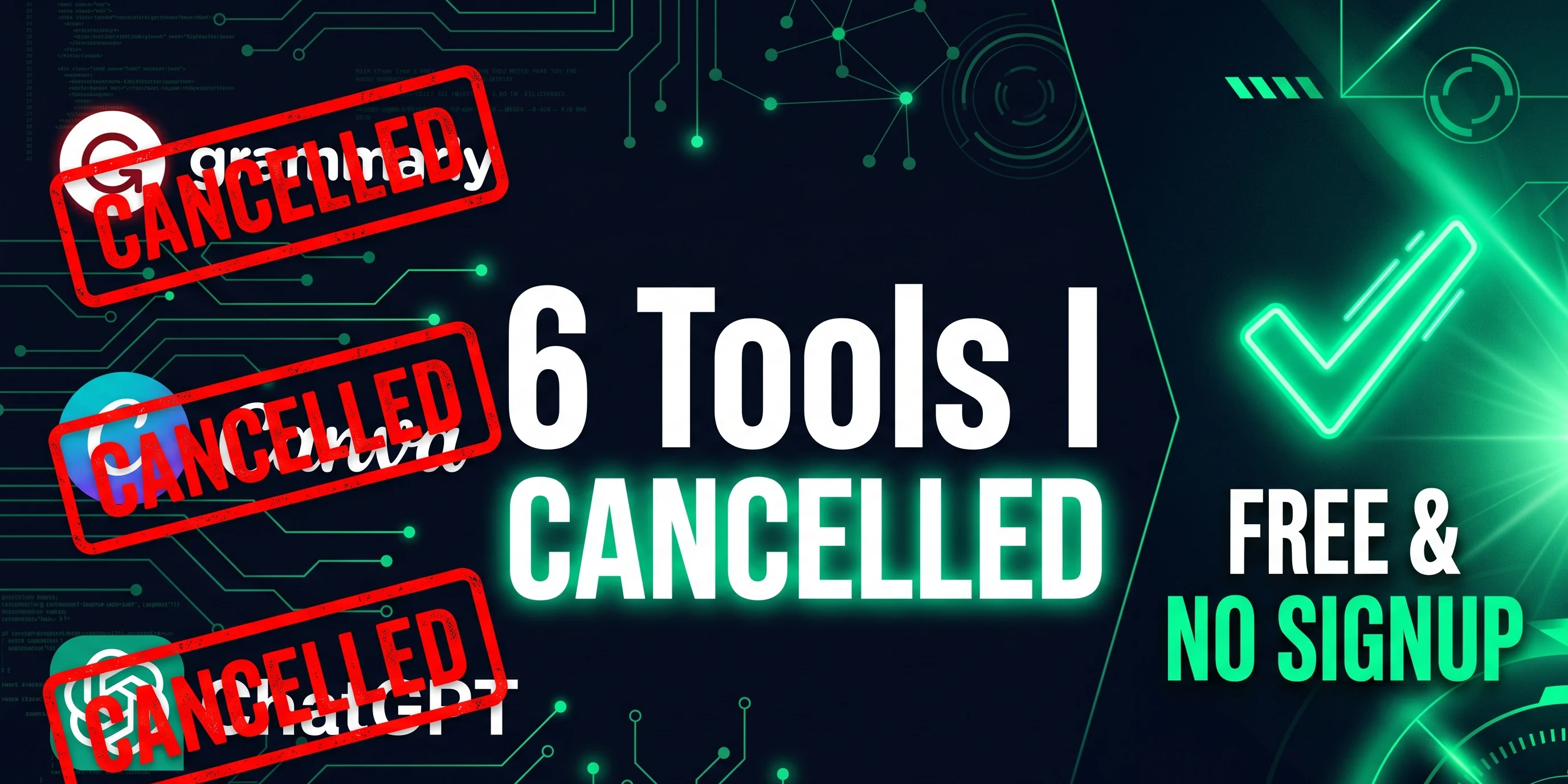
I spent two weeks testing free tools, cancelling subscriptions, and tracking results. I cancelled six paid SaaS tools and replaced every single one with a free developer tool that required no account. My total monthly savings? $121. Every month. That is $1,452 per year.
Let me show you exactly what I did. ☕
Why Do We Keep Paying for Tools We Don't Really Need?
Before we jump into the free tools list, let's be honest about something. Why do smart people — developers, freelancers, creators — keep paying for tools they barely use?
- The "just in case" trap: You signed up for one feature, used it twice, and kept paying because "you might need it later."
- Cancelling feels like a chore: The cancel button is always buried six pages deep, behind a guilt-trip screen asking "Are you SURE you want to leave us?"
- Every free tool asks for a signup: So you make an account, forget the password, give up, and just keep the paid one.
The good news? In 2026, the best free SaaS alternatives with no signup are everywhere. You just need someone to point you to them. That someone is me. Let's go.
Tool #1 — AI Writing Assistant: Cancel That $47 Grammar Bill
Grammarly Premium costs $47 per month. For a grammar checker. That sometimes tells you your perfectly correct sentence "sounds too confident." 🙃
If you write blog posts, emails, documentation, or social media content, you do not need to pay $47 for this. ZLVOX free AI writing tools let you generate and polish content right inside your browser — no account needed, no subscription, no data stored.
For grammar checking, LanguageTool is an excellent free option that supports over 30 languages and works without forcing you to create an account for basic use.
Both tools together cost exactly $0 and handle everything Grammarly Premium does for a normal developer or blogger.
💰 Monthly Savings: $47
Tool #2 — Content Idea Generator: Stop Paying for Brainstorming
Here is something wild: people are paying $29 per month for tools that "help them think of content ideas." VidIQ Pro, TubeBuddy, and similar platforms charge this much for features that AI can now do in seconds — for free.
The ZLVOX Viral Reel Idea Machine does exactly this at zero cost with zero signup. You type your niche or topic, pick your audience, and the tool instantly gives you:
- Scroll-stopping video hooks
- Full content scripts in English, Urdu, or Hinglish
- Ready-to-use hashtag suggestions
- Platform-specific content angles
I tested it side by side against the paid tool I was using before. The output quality was very similar. The price difference was $29 per month in my pocket.
Best for: Developers promoting their projects, content creators, social media managers, freelancers
💰 Monthly Savings: $29
Tool #3 — Code Review Tool: Your Senior Dev Is Busy Anyway
Every solo developer knows this feeling. You write some code. You feel quietly proud of it. Then you show it to someone experienced and they calmly explain fourteen things wrong with it in under three minutes.
Getting good code feedback without a senior developer sitting next to you used to cost money — GitHub Copilot, Tabnine, or similar tools at $10 to $19 per month. In 2026, free developer tools with no account required can review your code, spot logic errors, flag security issues, and suggest improvements instantly.
ZLVOX's code tools do this with speed and a light sense of humor — because if your code has a bug, you might as well laugh while you fix it. For formatting and validation across dozens of languages, CodeBeautify is completely free and needs no login at all.
💰 Monthly Savings: $10–19
Tool #4 — Image Editing: The Canva Pro Story
Canva Pro is $17 per month. For most developers and bloggers, the honest truth is that Canva's free plan already covers about 90% of what you actually need. But even the free plan requires an account, regular logins, and constant "upgrade now" popups that follow you around like a sad puppy.
For true free SaaS alternatives with no signup in the image editing space, these are the best options in 2026:
- Photopea: A full Photoshop-level image editor that runs completely inside your browser. Free. No account. No download. Seriously impressive.
- Squoosh (by Google): Image compression that processes everything locally on your device. Your images never leave your computer.
- Remove.bg free tier: Background removal without a paid plan — works perfectly for occasional use without any subscription.
💰 Monthly Savings: $17
Tool #5 — Developer Utilities (JSON, API, Regex, Base64): Stop Paying for Formatting
Okay, real talk. Are you paying a monthly subscription for a JSON formatter? Or a Base64 encoder? Or a color picker? Because some people are, and it breaks my heart a little.
These tools have been available for free — without accounts, without signups — for over a decade. If you are paying for them in 2026, this is your intervention.
The best free developer tools requiring no account for everyday utilities:
- JSONLint: Free JSON validator. Open it, paste your code, done. No drama, no login.
- Hoppscotch: Open-source alternative to Postman. Test APIs for free without a mandatory account for basic use.
- ZLVOX Utility Tools: A growing collection of developer tools built specifically to be fast, free, private, and completely account-free. One bookmark replaces six paid tools.
💰 Monthly Savings: $8–15
Tool #6 — Note-Taking and AI Writing Assistant: The Notion AI Replacement
Notion AI costs around $8–10 per month as an add-on. If you are using it mainly to draft blog posts, summarize notes, or brainstorm outlines, there are solid free alternatives that handle these tasks in 2026 without any monthly billing.
For clean markdown writing with zero account required, Dillinger is a smooth, distraction-free editor that works instantly in your browser. For AI-assisted content drafting, the free tools on ZLVOX cover basic generation without asking for your credit card or your life story.
💰 Monthly Savings: $8–10
The Privacy Bonus — "No Signup" Means More Than Just Convenience
Here is the part that most tool comparison articles skip over. When you create an account for a web tool, you are entering a relationship. That company now has your email address, your usage patterns, possibly your content, and the legal right — buried in paragraph 14 of their privacy policy — to do things with that data you did not fully agree to.
Free developer tools that need no account cut this problem off completely. There is no data to leak if no data is collected. There is no account to worry about when the company suddenly "sunsettings its free plan" and sends you a passive-aggressive email about it.
This is exactly why ZLVOX was built the way it was — fast, free, and privacy-first. No tracking scripts. No accounts. No advertising. Just tools that work the moment you open them.
Should You Actually Switch? Here Is My Honest Answer
Yes. Absolutely. Without hesitation.
In 2026, the quality gap between paid tools and good free alternatives is smaller than it has ever been. AI has made content generation and code assistance available to everyone. Browser-based developer utilities have been mature and reliable for years. The only real reason most people stay on paid plans is habit — and the mild laziness of having to find something better.
Here is my advice: do not try to switch everything at once. Pick one tool from this list. Try the free alternative for two weeks. If it works — cancel the paid subscription. Move to the next one. Small changes, done consistently, add up to $1,452 saved by this time next year.
📌 Ready to try free developer tools with no account or signup? Head over to zlvox.com/tools — everything is free, nothing requires registration, and yes, it actually works well.
If this post saved you some money — or at the very least made you feel better about cancelling that Grammarly subscription — go ahead and share it with a developer friend. They're probably paying $47/month for a grammar checker right now and they need your help. 🚀
Frequently Asked Questions
Are free developer tools safe enough for professional work?
Yes — and in many cases, they are actually safer than paid alternatives. Tools that process data locally in your browser (like the ones on ZLVOX) never send your content to any server. That means nothing to breach, nothing to leak, and nothing to worry about.
Do free SaaS alternatives with no signup have any major limitations?
For the everyday tasks covered in this post — writing assistance, code review, content ideation, image editing, and data formatting — the free alternatives cover 90 to 100% of what most developers and freelancers actually need day to day. You may hit limits only if your use case is very advanced or high-volume.